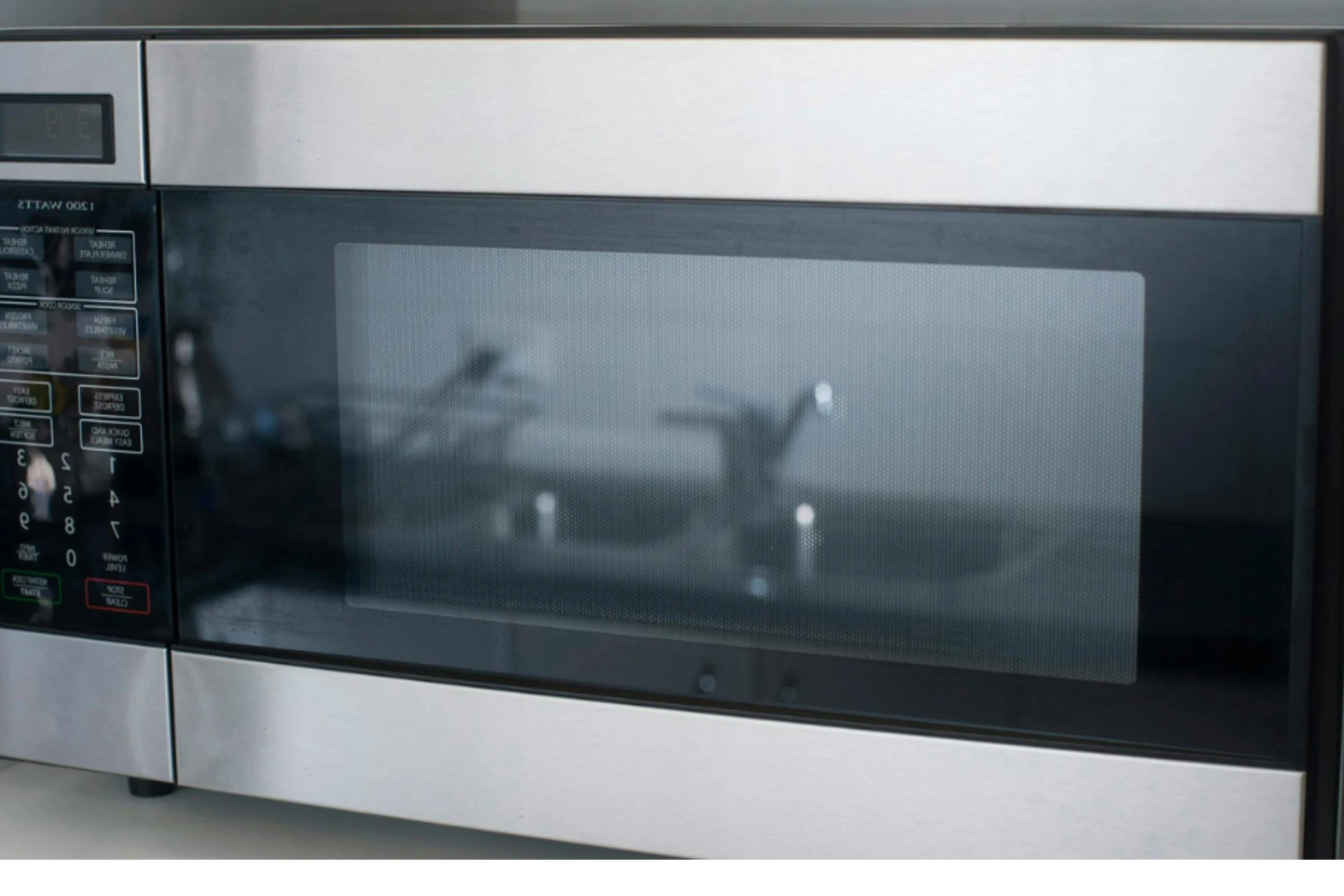




















Let’s face it—microwaves are convenient, but those loud beeps? Not so much. Whether you’re trying not to wake a sleeping baby, sneak a late-night snack, or just reduce daily noise, knowing how to silence a microwave can make your kitchen a little more peaceful, especially if you examine the control panel closely to find the mute function. At Don Fuller’s Appliance Repair, we know a thing or two about kitchen appliances—and we’re here to help you out with this very relatable microwave mystery.
So grab a cup of coffee (or reheat it quietly), and let’s get started.
Why Do Microwaves Beep Anyway?
Microwave beeps serve a purpose. Those tones let you know when your food is done, when a button’s been pressed, or when you forgot to open the door after heating your leftovers. But still, some of us would rather not hear that reminder five times in a row. Certain noises are bound to happen due to the functioning of components like the magnetron and fan.
The good news? Many microwaves now come with a mute function or silent mode—you just need to know where to look.
Step-by-Step: How to Silence a Microwave

1. Check for a Sound Button or Silent Mode
The easiest and fastest method is to check your microwave control panel. Look for a sound button, speaker icon, or something labeled “Mute.”
- Some microwaves have a dedicated mute button.
- Others have the mute function denoted by a speaker symbol—this could be above or next to a key on the keypad.
When it comes to managing the beeping and noise issues, two things are essential to consider: understanding the specific features of your microwave and exploring potential solutions to minimize the intrusive sounds.
Give that button a press and see what happens. In many microwaves, holding it down for around three seconds does the trick.
2. Consult the User Manual
We know… no one likes reading the user manual, but it’s the most direct way to find the mute instructions for your specific model.
- Check under sections like the settings menu, beeping sounds, or control panel functions.
- Some microwaves tuck the mute function under child lock features or within the settings.
You can also search online for your microwave’s model information along with the word ‘manual’ to access the necessary file that contains instructions on muting the microwave’s sound or beep features.
If you’ve tossed the manual (we’ve all been there), a quick Google search of your microwave brand and model number plus “mute” will often lead you right to it.
3. Try a Button Combination
On many microwaves, holding down a certain number button (like 1, 2, or 0) activates the mute feature. This is sometimes referred to as a secondary function.
Give this a go:
- Press and hold the 1 button for a few seconds.
- If that doesn’t work, try the 0 or Stop/Cancel button.
- Look for any keypad labels—some newer models hide these features as a digital version of a traditional button.
If you have an older model, you may need to try different button combinations, as the mute feature might not be as straightforward.
4. Child Lock: Not Just for Kids
Some microwave sound controls are built into the child lock feature.
- If your microwave activates a child lock by holding down Start or Stop, check to see if sound is part of that feature.
- The child lock may mute buttons and disable beeping sounds, giving you a double win.
Consult your owner’s manual for specific instructions on how to activate the child lock feature and mute the sounds.
5. Try the Settings Menu (for Recent Models)
If you’re using a newer microwave model with a digital display, try this:
- Tap through the settings menu on your microwave control panel.
- Look for words like “Beep,” “Tones,” “Volume,” or “Mute.”
More recent models often come with advanced settings that allow you to adjust or mute the sound levels.
Some models allow you to adjust volume levels instead of completely silencing the unit.
What If My Microwave Doesn’t Have a Mute Feature?
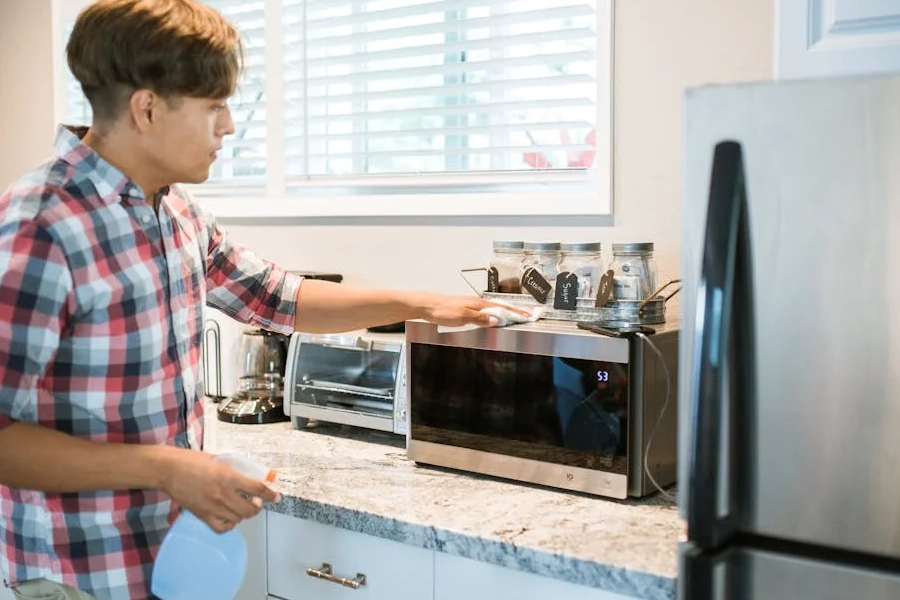
Not all models have a mute option, especially older models. If that’s your situation, here are a few workarounds to make your microwave experience quieter:
Microwave ovens are efficient and versatile, using less energy compared to gas stoves, but they can generate noise from various components like the fan and timer.
Unplug Slightly Early
As soon as you see that your food is done (before the beep), unplug the microwave or open the door slightly. This cancels the finishing beep on most units. Just be careful—don’t yank it mid-process too often, or you might disrupt the heating cycle.
Replace with a Quieter Unit
If you’re due for a new microwave anyway, keep an eye out for brands that offer mute functions. Some newer models even come with sound level adjustments. More recent models often come with advanced settings that allow you to adjust or mute the sound levels.
Turn Off Kitchen Sounds Altogether
Some people go old-school and opt for toaster ovens or stovetop reheating when they’re trying to avoid all kitchen appliance noise.
Authors have been creating content that helps users find alternative cooking methods to avoid kitchen appliance noise.
Why Go Silent?
There are plenty of good reasons to mute your microwave:
- You live in a shared space and don’t want to bother your roommates.
- You’re cooking while your baby sleeps.
- You hate loud noises, especially unnecessary ones.
- You’re tired of hearing three beeps every time you hit cancel.
While achieving complete silence is nearly impossible, users may still hope for quieter operation through various techniques and modifications.
Or maybe… you’re just a little microwave ninja who likes to heat things in stealth mode.
Either way, if you can mute it, why not?
Don’t Forget the Real Issue: Loud Microwaves Could Be Telling You Something
Okay, real talk: If your microwave is making more noise than usual—not just beeping, but rattling, humming, or buzzing—it might be time for a checkup. It could be something simple, like a misaligned plate, or it could be more serious, like a problem with the magnetron or fan motor.
That’s where Don Fuller comes in.
If your microwave’s volume is a symptom of something deeper, a quick call to your local microwave repair expert could keep things from getting worse. We’re friendly, fast, and always honest about what’s going on inside that buzzing box.
Troubleshooting Common Issues
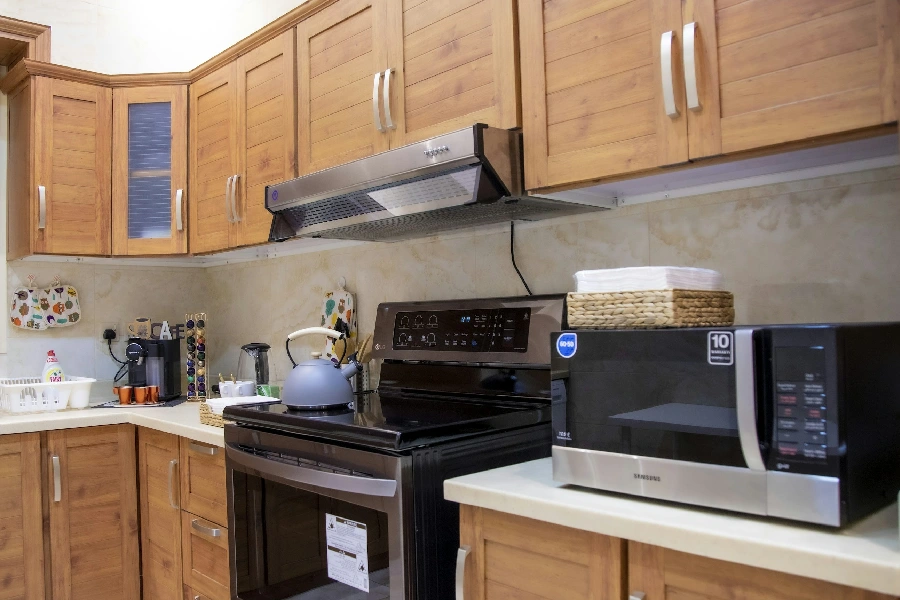
When it comes to troubleshooting common issues with microwave sounds, the user manual or owner’s manual is your best friend. These manuals provide specific instructions on how to access the settings menu, where you can often find the mute function. If you’ve misplaced the manual, don’t worry—a quick Google search for your microwave brand and model number can usually lead you to a digital version.
In many cases, pressing and holding certain buttons on the control panel, such as the number buttons or the cancel button, can activate the child lock feature or mute the beeping sounds. It’s important to verify that the mute function exists on your specific microwave model, as some older models may not have this feature. By carefully following the instructions and taking the necessary steps, you can successfully silence your microwave and enjoy a more peaceful cooking experience.
Quick Tips Recap: Silencing a Microwave
- Look for a Mute or Sound button
- Try pressing and holding 1, 2, or 0
- Use the Settings Menu if available
- Check your user manual (or search online with a model number)
- Activate Child Lock to mute some beeps
- If all else fails, open the door early or upgrade to a quieter model
Listen for confirmation tones that signal the successful activation of the mute feature.
When Your Microwave Just Needs to Shut Up
Let’s be honest—microwave beeps aren’t the end of the world. But when they’re interrupting your day, your movie night, or your midnight snack run, learning how to silence a microwave feels like winning a little battle of peace and quiet. Getting rid of annoying beeping sounds can make your kitchen a more peaceful place.
Don’t let the beeps get the better of you. Try the tips above, get familiar with your model, and if things start sounding weird in other ways, contact Don Fuller for a professional microwave repair. We’ve got your back, whether it’s a silent mode or a serious fix.
Ready to stop the beep? Let’s keep your kitchen quiet and your meals hot—without the soundtrack.