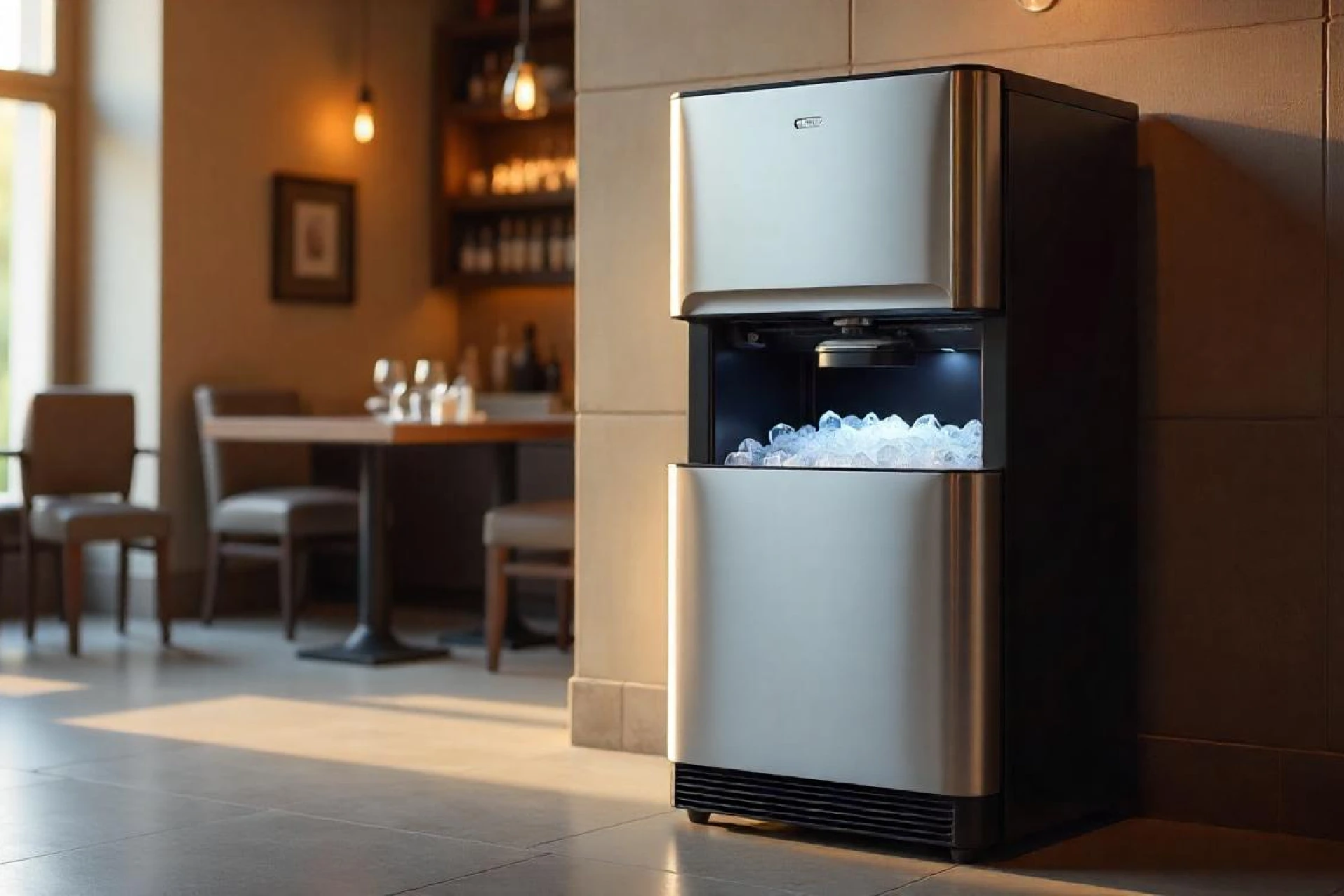




















Facing trouble with your icemaker can put a damper on any gathering, especially when you’re in need of refreshing drinks to beat the heat. However, before you dial up an ice machine repairman, there’s a simple step you might want to try out yourself: resetting your ice maker. This straightforward process can sometimes clear up common issues, allowing your machine to get back to doing what it does best – making ice.
Related Article: Is Mold in Ice Machine Dangerous? Causes, Signs and Solutions
Here’s how you can reset your ice maker, with expert insights from Don Fuller Appliance Repair.
1. Locate the Reset Button

Photo Credit: quiethut.com
The first step is to find the reset button on your icemaker. While the exact location can vary depending on the brand and model of your refrigerator, it’s typically found on the ice maker itself. Look for a button or a switch that’s labeled “Reset.” If you’re having trouble finding it, refer to your refrigerator’s user manual for guidance.
2. Power Off, Then On

If your icemaker doesn’t have a visible reset button, don’t worry. You can perform a manual reset by powering off your refrigerator. Unplug it from the wall, wait for about a minute, and then plug it back in. This can help to reset the system and potentially fix any glitches it might be experiencing.
3. Use the Reset Button
For icemakers with a reset button, simply press and hold it for a few seconds. You might hear a beep or a chime, indicating that the reset process is complete. Release the button and wait for a few moments. Your icemaker should begin its cycle, and you’ll soon hear the sound of ice dropping into the bin.
4. Check for Errors
After resetting, keep an eye on your icemaker for the next few hours. Ensure that it’s producing ice as expected and that there are no error messages displayed on your refrigerator. If you notice anything out of the ordinary, it might be time to call in a professional ice machine repairman from Don Fuller Appliance Repair.
5. Prevent Future Issues
To keep your icemaker in top shape, consider implementing a few maintenance tips. Regularly check the water filter and replace it as needed to ensure a clean water supply line to your icemaker. Also, clean the ice bin periodically to prevent ice from clumping and ensure the mechanism runs smoothly.
Why is My Ice Maker Not Working?
Encountering issues with your icemaker can be frustrating, especially when you’re unsure of the cause. Before reaching out to an ice machine repairman, it’s helpful to understand some common reasons why your ice maker might not be working. These can range from simple fixes like adjusting the water supply to more complex issues requiring professional assistance.
Common Ice Maker Problems
Several common issues could be affecting your icemaker’s performance:
- No Ice Production:
- Check for a clogged water filter, frozen water line, or faulty water inlet valve.
- Refer to the owner’s manual for troubleshooting steps.
- Low Ice Production:
- Ensure the water filter is clean and replace if necessary.
- Check for adequate water pressure and freezer temperature.
- Monitor the fill cycle for irregularities.
- Ice Quality Issues:
- Clean the water filter and ice bin thoroughly.
- Investigate the fill tube for any blockages.
- Inspect the ice dispenser lever for proper function.
- Icemaker Leaks:
- Examine water line connections for leaks.Inspect the ice tray for cracks or damage.Check for proper alignment of the fill tube during the fill cycle.
Photo Credit: HS You

What Causes an Ice Makers to Go into Shutoff Mode?
An icemaker might automatically go into shutoff mode for various reasons, primarily as a protective measure:
- Full Ice Bin: Most modern icemakers have a sensor or arm that detects when the ice bin is full, preventing overproduction.
- Freezer Temperature Fluctuations: If the freezer temperature is too high, the icemaker may stop producing ice to prevent damage to the appliance.
- Water Supply Issues: A lack of water flow to the icemaker, whether from a kinked water line or a turned-off water supply, can trigger the shutoff mode.
What are Some of the Reasons to Reset an Ice Maker?
Resetting your icemaker can be a quick fix for several issues:
- Restoring Functionality After a Power Outage: Power fluctuations can disrupt the icemaker’s cycle, and a reset can help restore normal operation.
- Correcting Minor Electronic Glitches: Just like with many electronic devices, a quick reset can often fix minor glitches or software bugs in the icemaker’s operation.
- After Maintenance or Repair: If you’ve recently changed the water filter or had any repairs done, resetting the icemaker can help it recalibrate and resume normal ice production.
When to Call a Professional
While resetting your icemaker can solve some issues, it’s not a cure-all solution. If you’ve tried resetting and your icemaker still isn’t working correctly, or if you’re encountering more complex problems, it’s time to call in the experts. Don Fuller Appliance Repair’s team of skilled technicians is ready to assist with any ice machine repairs you might need. With years of experience and a commitment to excellence, we ensure your appliances run smoothly so you can get back to enjoying your home’s comforts.

Photo Credit: HS You
Remember, timely intervention by a professional can prevent minor issues from turning into costly repairs. Whether it’s routine maintenance or emergency repairs, trust Don Fuller Appliance Repair to provide reliable, efficient service that keeps your household running smoothly.
Resetting your icemaker is a simple process that can sometimes solve basic operational issues. However, when in doubt, it’s always best to consult with a professional ice machine repairman. At Don Fuller Appliance Repair, we’re dedicated to providing our customers with the best service possible, ensuring that your appliances, including your icemaker, are in perfect working order. For any repair needs, remember, we’re just a call away.